Guide
Onthel Simulator Indonesia Photo Mode Guide
Take great photos in Onthel Simulator Indonesia with the free camera and cinema mode: angles, light and the shots worth keeping.

On this page
Photo Basics
the Onthel Simulator Indonesia simulator site mentions the free camera, and the newer photo and cinema modes make it much stronger. Start by finding a good spot: an open street, a nice backdrop, and light that flatters the bike colour.
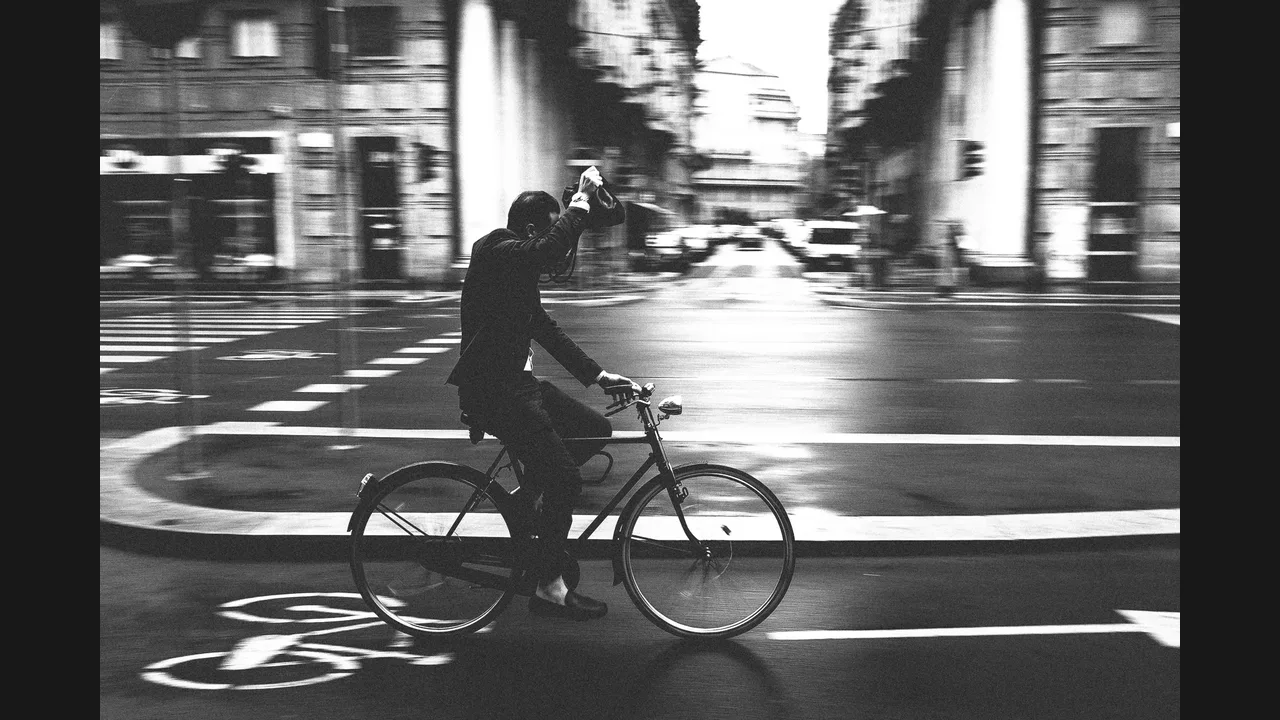
Move the camera low for drama and high for context. A low angle makes a BMX bike look heroic, while a high angle shows the street and the group around it.
Cinema Mode
Cinema mode adds movement to a still idea. Use it for group rides and race finishes, where a moving shot captures energy that a single photo cannot.
Keep cinema shots short and steady. A brief, smooth clip of a wheelie or a group ride is more watchable than a long, shaky one. Onthel Simulator Indonesia Not Working: Fixes for Lag, Login and Race Problems covers fixes for the problems that can ruin a shoot.
Shots Worth Keeping
Keep photos that tell a story: a new build, a race win, a group ride, or a map you finally mastered. Delete the rest, so your best shots stay easy to find.
Share your best shots with your riding group. A good photo starts conversations and invites, which is how regular group rides form. Onthel Simulator Indonesia Best Racing Setups: Gears, Tyres and Cranks covers the setups that make a photo bike fast too.
Conclusion
Find good light, shoot low for drama, keep cinema clips short, and keep only the shots that tell a story.